Aircall + monday.com use cases


From a conversation
to a clear next step.
Explore how calls, customer records, and team responsibilities can fit together. These are example workflows Livitek can help design, not published client results.
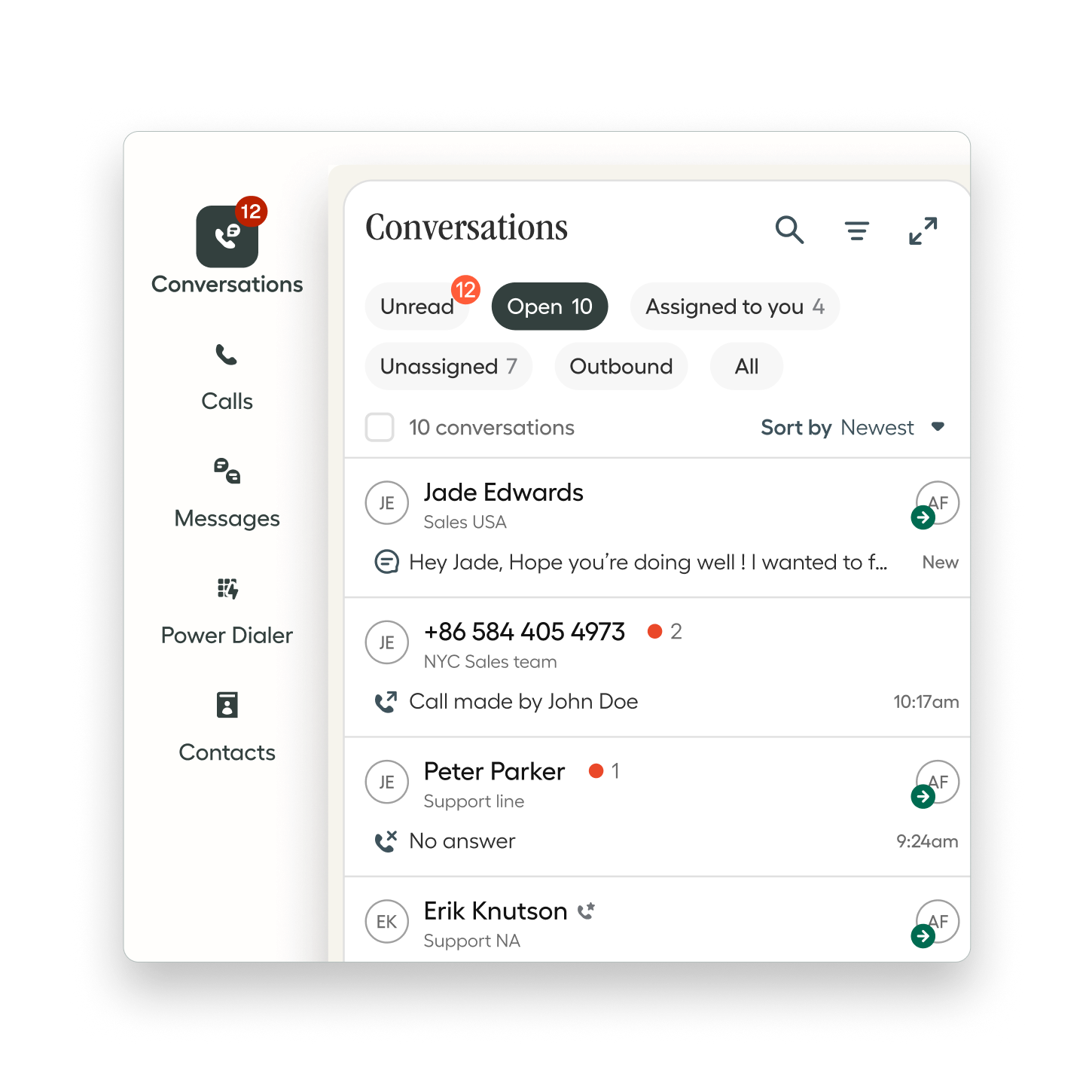
See the workflow in action
From first call to follow-up
Explore how calls, leads, and next steps connect across Aircall and monday.com. Choose a team to begin.
Sales · Step 1 of 4
A prospect calls about your services.
The team answers in Aircall and discusses the prospect’s needs. The conversation starts a relationship, not just another task.
Start with the customer’s question.
New business inquiry
- Channel
- Aircall conversation
- Topic
- Service options
- Next step
- Understand the request
Workflow illustration—not a live product screen.
Example only. Connecting activity, assigning owners, reminders, and reporting requires an agreed configuration. This walkthrough does not place calls, create leads, or change your CRM.
Let’s design your workflow ↗01 / Sales teams
Keep the next sales action visible.
A prospect calls with a question. The conversation should help move the relationship forward, with enough context for the person who follows up.
An example workflow
- Connect the call activity with a lead or contact.
- Record the outcome and agree on the next step.
- Assign an owner and a follow-up date in monday.com.
- Review overdue actions alongside the sales pipeline.
Useful measures: first-response time, overdue follow-ups, and conversion by lead source.
02 / Property management
Give the office a shared view of inquiries.
Leasing inquiries and resident conversations often pass between several people. A shared record helps the next team member understand the context.
An example workflow
- Match the caller with a contact where possible.
- Categorize the inquiry and connect the relevant property in the agreed workflow.
- Assign leasing or operations follow-up.
- Track the response and close the loop with the caller.
Useful measures: inquiry response time, open follow-ups, and leasing appointment outcomes.
03 / Customer service teams
Make the handoff easier to follow.
A customer needs an answer from another team. Keep the conversation context and the person responsible for responding visible together.
An example workflow
- Capture the call outcome and notes.
- Identify the team responsible for the next action.
- Track that action on a suitable monday.com board.
- Review unresolved follow-ups and confirm completion.
Useful measures: time to follow-up, open actions by owner, and recurring inquiry types.
These workflows combine integration features with separately configured monday.com boards and automations. Property links, assignments, reminders, and dashboards are scoped for each implementation. The native integration does not support the monday.com Service tickets object.
A practical pipeline example
What could a sales process look like?
A conversation is one activity within the relationship. Define each stage so your team knows when to move a lead forward.
- New inquiryRecord the source and assign an owner.
- ContactingMake contact and set the next action.
- QualifiedConfirm the need, fit, and timing.
- ProposalAgree on scope and track the decision.
- Won / LostHand off delivery or record the reason.
Illustrative stages, tailored during discovery. A call alone does not qualify a lead or advance a deal.
Explore Livitek’s CRM setup services ↗Start with your process
What should we discuss first?
Bring one real example of a call that leads to extra work. We’ll use it to understand where context or ownership gets lost.
- Your current phone system and monday.com setup
- Who handles calls and who follows up
- The types of inquiries your team receives
- The records and next actions you want connected
- Your target timeline and training needs
Let’s connect the next step
How could your calls
work better with your CRM?
Tell us about your current phone system, monday.com setup, team size, and the follow-up you want to improve.