Route calls with purpose
Make it clear who answers and what happens next.
What this includes
Define business hours, greetings, routing and missed-call handling around your team’s responsibilities.
Aircall & business integrations

Phone setup · Integration planning · Team training
Give every call a clear destination—and every conversation a next step. Livitek helps you set up Aircall, connect the right tools and prepare your team to use them.
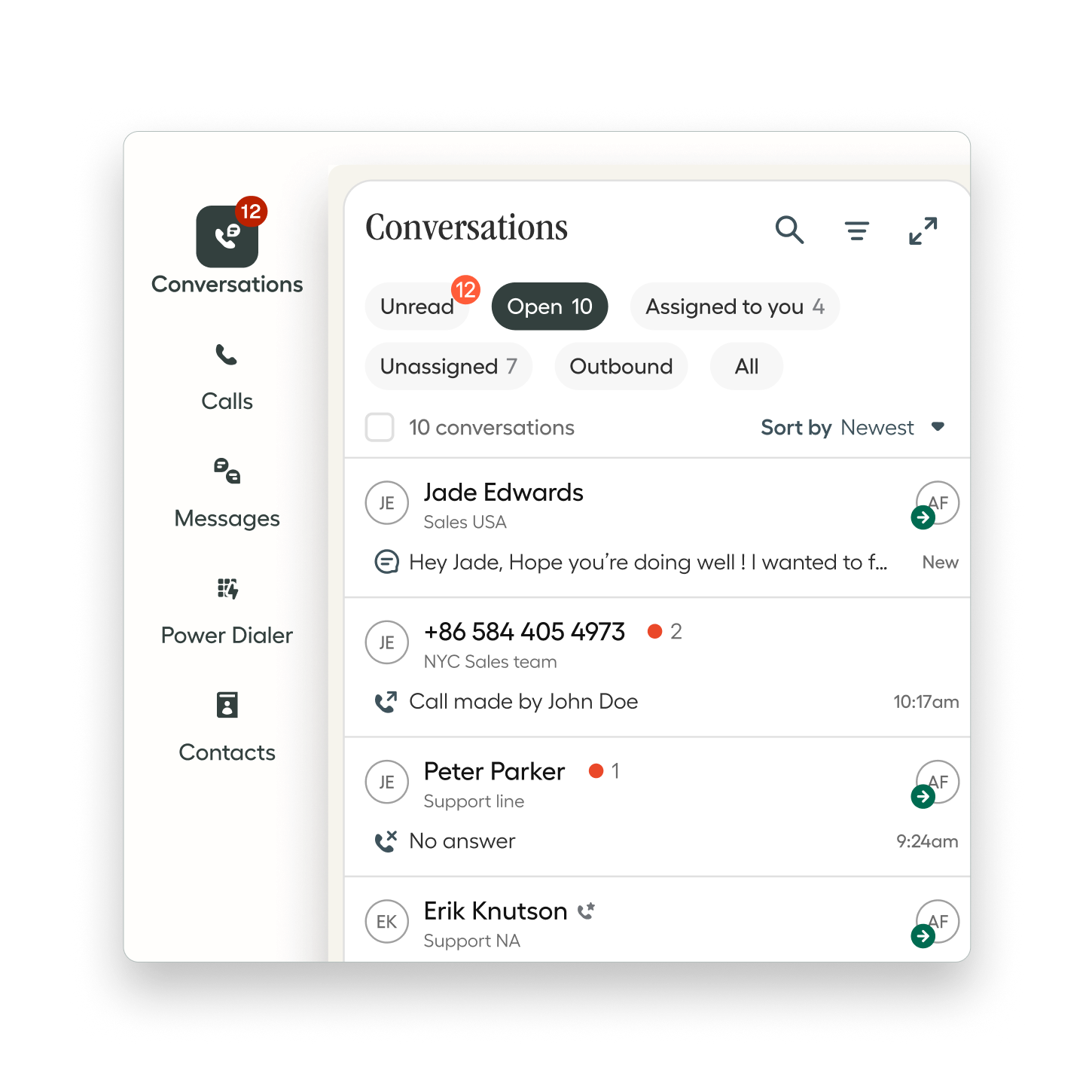 Explore the interactive workflow
 A practical first phase
Make it clear who answers and what happens next.
Define business hours, greetings, routing and missed-call handling around your team’s responsibilities.
Connect conversations with the tools people use.
Review the records and call information each role needs. Confirm the integration’s capabilities before defining the workflow.
Build confidence before the handover.
Test agreed call scenarios, train users and document daily responsibilities so the setup is ready for practical use.
Best for sales, customer service and operations teams that need a shared approach to business calls.
Your tools, connected
Aircall integrates with monday.com, HubSpot, Salesforce, Zendesk, Pipedrive and other business platforms. Available features vary by integration.
Business conversationsConnect call activity with customer records and design the next step around your team’s workflow.
Explore the monday.com workflow ↗Tell us which systems your team uses and what needs to happen after a call. We’ll review the requirements and define a practical scope.
Explore Aircall’s integrations ↗Before you get started
No. You can start with Aircall as your business phone system and add a CRM integration when it supports your workflow. Livitek can scope phone setup, call routing and team training separately.
Eligible numbers can be transferred to Aircall. Availability, documents and timing depend on the country, number type and current provider. Confirm eligibility and the transfer plan before changing your existing service. Read Aircall’s porting guide.
Aircall supports desktop and mobile use, so team members can handle business calls from supported devices. We review your devices, connectivity and working arrangements as part of setup and testing.
The timeline depends on team size, number transfers, routing complexity and integrations. We confirm the dependencies during discovery and agree on a rollout plan, including testing and team readiness before launch.
Livitek scopes consulting separately from platform subscriptions. We prepare a proposal based on your users, workflows, integration requirements, training, and launch support. Platform pricing and eligibility are confirmed with the provider.
Let’s connect the next step
Bring your current tools, team size and biggest call-handling challenge. We’ll define a focused first phase.
