Keep call activity accessible
Log call outcomes, notes, tags, and recording links in the Aircall Calls board. Connect that activity with relevant contact records.
Aircall + monday.com integration


Connect calls with customer records, ownership and follow-up in monday.com. Explore the workflow, then define the configuration your team needs.
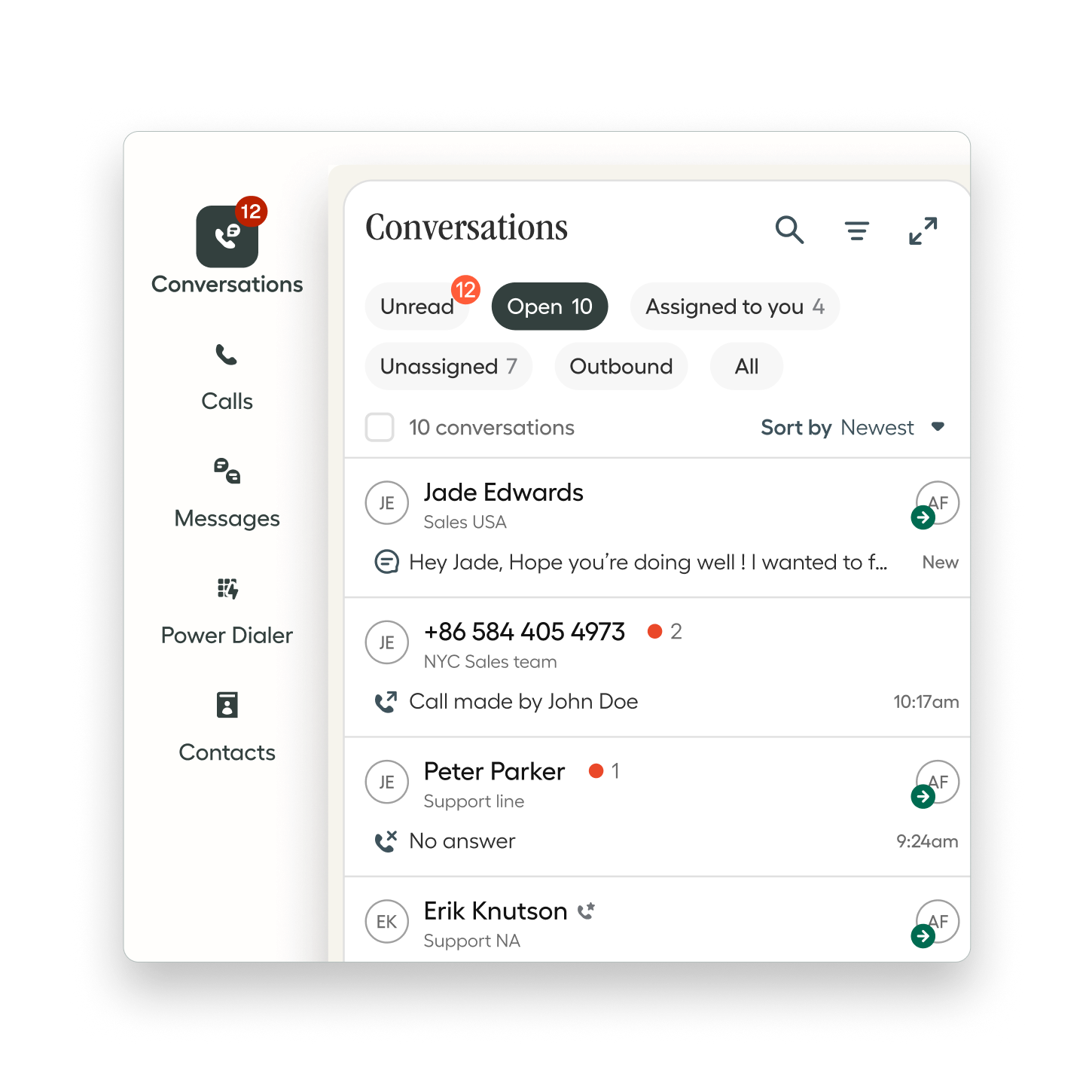
See the workflow in action
Explore how calls, leads, and next steps connect across Aircall and monday.com. Choose a team to begin.
Sales · Step 1 of 4
The team answers in Aircall and discusses the prospect’s needs. The conversation starts a relationship, not just another task.
Start with the customer’s question.
Workflow illustration—not a live product screen.
Example only. Connecting activity, assigning owners, reminders, and reporting requires an agreed configuration. This walkthrough does not place calls, create leads, or change your CRM.
Let’s design your workflow ↗Integration essentials
Log call outcomes, notes, tags, and recording links in the Aircall Calls board. Connect that activity with relevant contact records.
Configure contact creation and caller information around selected boards. Eligible contact setups can show communication events in their activity timeline.
Use Aircall tags to update supported Status or Dropdown fields. Livitek can then design assignments and reminders around your process.
Features depend on plans, permissions, board structure, and enabled settings. Read Aircall’s integration documentation.
Implementation with Livitek
You may already use one platform, both, or neither. We start with your current process and agree on a focused scope.
Tell us about your setup ↗Review inquiry sources, call handling, ownership, and the handoff after a conversation.
Define Aircall setup needs, CRM fields, board connections, and the follow-up rules included in your project.
Walk through agreed scenarios, train your team, and document how to manage the workflow.
Integration questions
Yes. We first review your current boards, contact data, and follow-up process, then propose the connections and changes needed for your scope.
No. The integration provides communication data. Pipeline stages, ownership, qualification rules, and follow-up reminders still need to be designed and configured for your team.
Aircall’s current native integration does not support the monday.com Service tickets object. We would assess a separate workflow if your process requires ticket creation or synchronization.
Livitek scopes consulting separately from platform subscriptions. We prepare a proposal based on your users, workflows, integration requirements, training, and launch support. Platform pricing and eligibility are confirmed with the provider.
Let’s connect the next step
Tell us about your current phone system, CRM or helpdesk, team size, and the follow-up you want to improve.